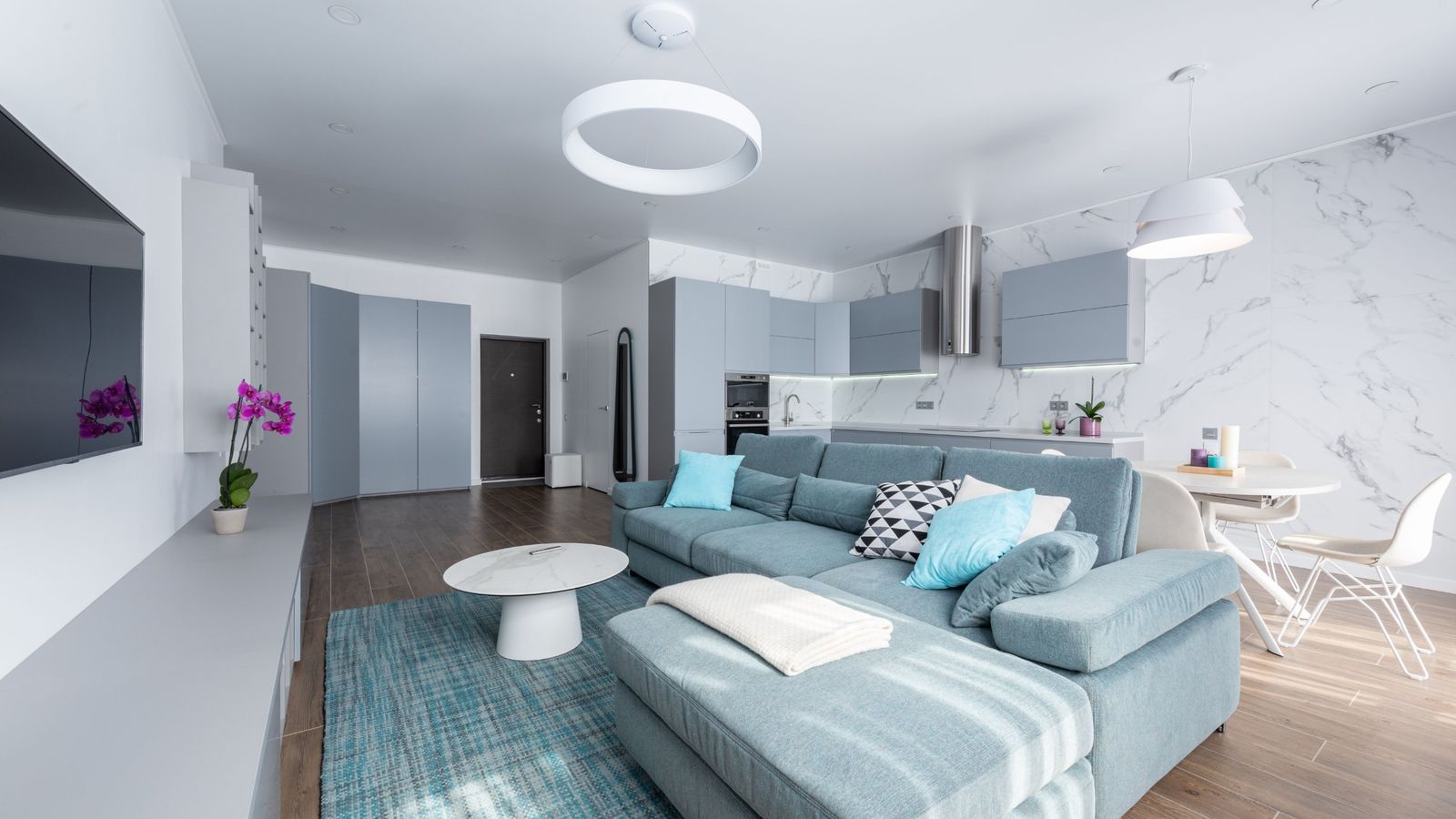

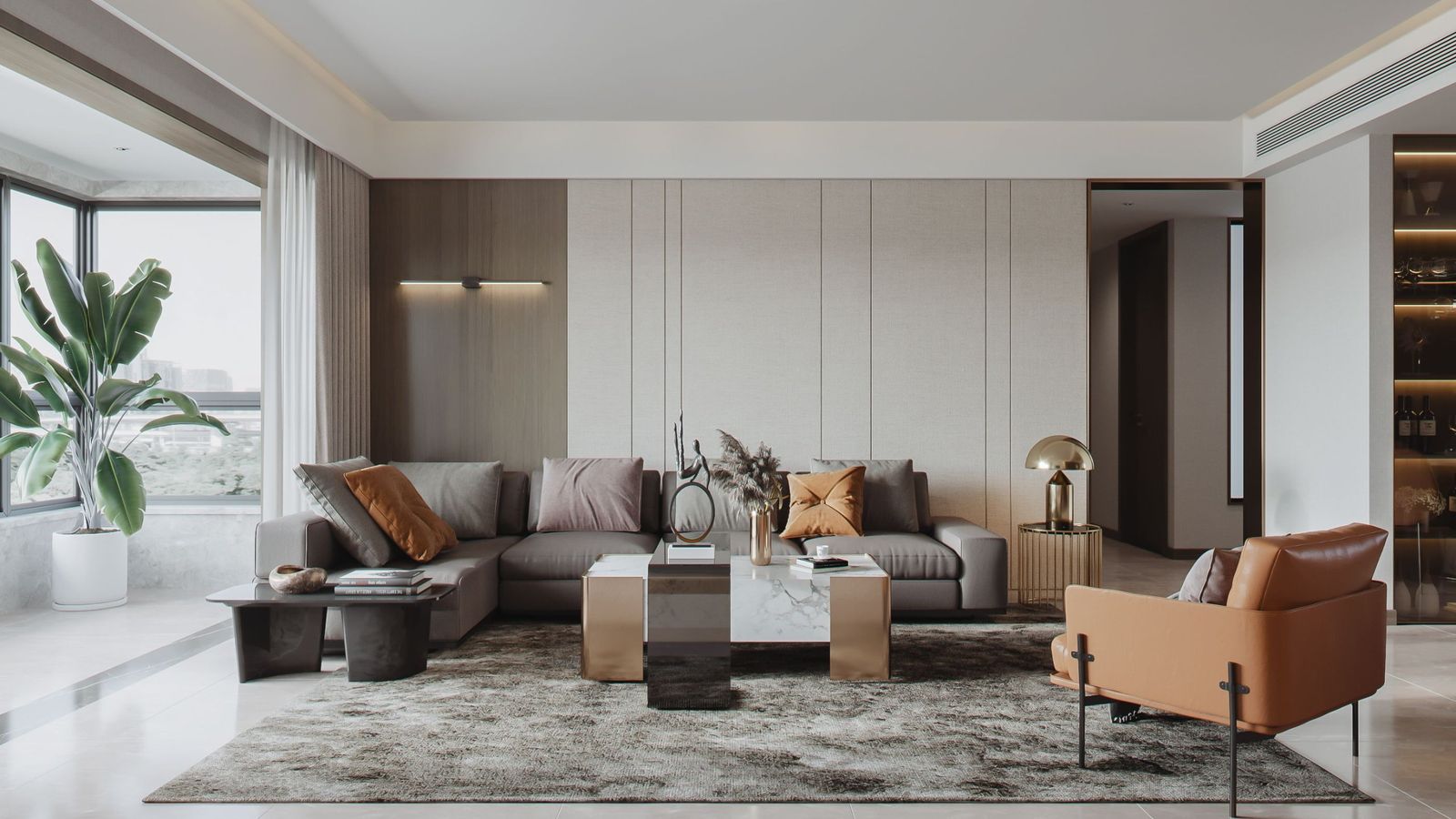
Short answer
AI product images help when real photos do not exist and the image matches the real product's color, size and finish. They hurt when they look obviously AI-made or misrepresent the item. Use real photos where you can, AI to fill gaps, and never rely on static images alone.
Key takeaways
- Most of our clients post supplier photos that every other store also gets. That is the real problem, before AI comes into it.
- Use AI images for gaps, and make sure they match the real product's color, size and finish.
- If an image looks obviously AI-made, do not use it. Shoppers tend to spot it.
- Never post only images on social. People find them boring. Mix in real photos and video.
You uploaded the supplier's photo, and so did the store down the road. The customer sees the same sofa, in the same room, at two prices, and picks on price. Then someone suggests AI images, and you worry they will look fake.
Both worries are fair. This guide shows where AI images help, where they hurt, and a simple test to run before you post. For listing basics, read why Facebook Marketplace is a sales channel, not a place to dump listings.
Why are supplier photos the real problem?
When every store uses the same supplier photo, nothing separates yours. Some of our clients shoot photos on a phone. Most just post what the supplier hands to everybody, and that costs them.
Photos matter because shoppers use them to answer basic questions. Baymard Institute found that 42% of users try to judge a product's size from its images.[2] A flat supplier cutout rarely helps with that. Whether you hold stock or ship from a supplier, the aim is the same: show your product in a way no other store does.
Where do AI images help?
They help when there is no real photo, or when the only photo is the one everyone has. They work as a supplement to real photos, not a replacement.
| Use | Helps when | Hurts when |
|---|---|---|
| A new angle or room setting | The real product is not photographed that way, and the image matches its color, size and finish | The room or finish looks different from what arrives |
| Showing scale | A real-looking room shows how big the piece is, with correct proportions | Proportions are off, so the piece looks bigger or smaller than it is |
| Filling gaps for dropshipped items | You hold no stock and the supplier photo is the same one everyone has | It is the only image and it looks obviously AI-made |
| Social content | It supports real photos and real video | It replaces them, or you post images only |
Where do AI images hurt?
They hurt when they look AI-made, or show something the customer will not receive. The first loses attention. The second loses the sale after the sale, as disappointment, complaints and returns.
In a NielsenIQ study of more than 2,000 people, shoppers identified most AI-generated ads and rated them more annoying, boring and confusing than traditional ads. Even ads seen as high quality produced weaker memory activation.[1] That study covered video ads, not furniture photos, so read it as a direction. Our rule is simple: if it looks really AI-made, do not use it.
If an image looks AI-made, it should not be posted.The Enccii approach
Platforms also expect images to represent what the customer receives. Check each platform's current image rules before you post.
What is a simple test before you post an AI image?
Ask five questions, and post it only if every answer is yes. This is a rule of thumb.
- Does it match the real color, size and finish?
- Does it look real at a glance? If someone would say "that's AI," it fails.
- Does it show only what you can deliver?
- Would you be comfortable if the customer asked how it was made?
- Is there a real photo that would do the job better? If so, use it.
Why should you never post only images on social?
Because people find them boring and do not engage. A feed of polished still images looks like an ad catalog, not a business.
Mix in short real videos, phone clips from the store, delivery moments and real photos, with the occasional polished image. That is the content side of our Brand and Content work: product photography, video, and content built around a real brand rather than a template.
A 7-day checklist for your product images
- Count how many of your photos are identical to your supplier's.
- Shoot your ten best sellers on a phone if you hold stock. If you do not, ask your supplier for real-unit photos or video.
- List the gaps: missing angles, no scale, no room setting.
- Create AI images only for those gaps, matched to the real color, size and finish.
- Run the five-question test on every one.
- Add real video to your social plan.
- Compare messages and returns on the updated listings after a few weeks.
If you would rather have a team do this, that is part of our Brand and Content service. For creative that pairs with your ads, read what to fix before you raise your Meta ad budget.
Frequently asked questions
Can furniture stores use AI-generated product images?
Yes, for gaps where no real photo exists, as long as the image matches the real product's color, size and finish. Do not use images that look obviously AI-made or show something the customer will not receive. Check each platform's current image rules.
Do AI images hurt sales?
They can. In an NIQ study of more than 2,000 people, shoppers spotted most AI-generated ads and found them more annoying, boring and confusing. That study covered video ads, not furniture photos, so treat it as a direction and keep AI images realistic and accurate.
What if I dropship and have no photos of the product?
Start from the supplier's specs and any real photos they give you. Create AI images only for new angles or room settings, matched to the real color, size and finish. Avoid the exact supplier photo every other store uses, and add real video when you can.
Should I post only images on social media?
No. In our experience people find image-only feeds boring and do not engage with them. Mix real phone video, in-store clips and real photos with the occasional polished image, so your page shows a real business with real products.
How can I make AI images look less fake?
Use them sparingly, keep lighting, proportions and textures realistic, and never show an impossible room or finish. If an image looks AI-made, do not use it. Where you can, pair it with a real photo or short video of the actual piece.
Sources and further reading
- NIQ research uncovers hidden consumer attitudes toward AI-generated ads, NielsenIQ, 2024
- Product Page UX: All Products Need at Least One 'In Scale' Image, Baymard Institute
Let's find your biggest constraint.
Book a free intro call and we'll look at how your business actually runs, then tell you where we'd start.
Book a Call